How to Use AI for Garden Visualization: A Practical Guide
Learn how to use AI for landscape design, compare yard visualization styles, evaluate generated concepts, and verify planting or construction decisions.
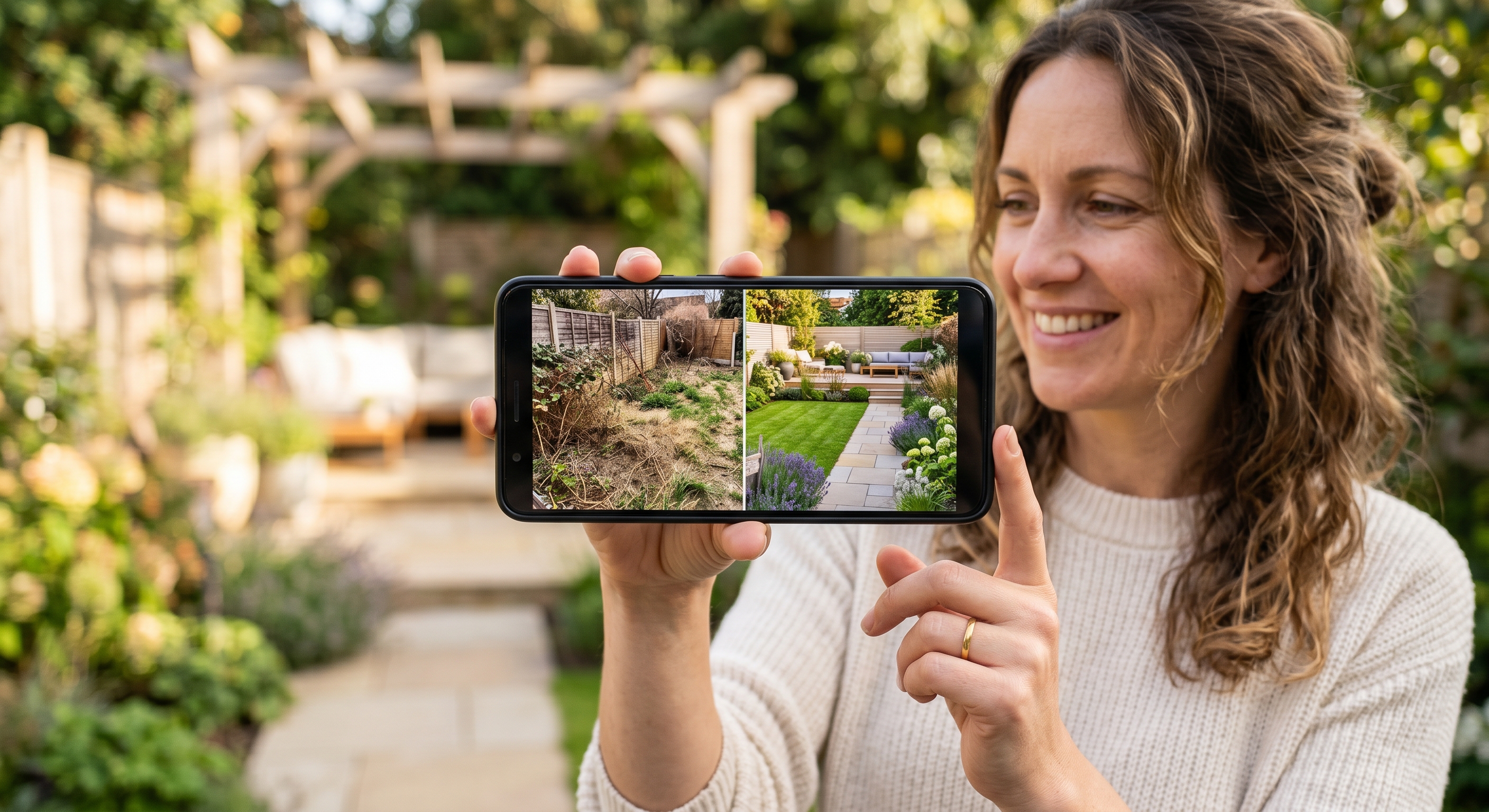
AI image generation can help you explore how an outdoor space might look in a different visual style. It is best used for ideation, not as a substitute for landscape design, horticultural advice, engineering, or a site survey.
This guide explains how to use AILandscape for its current verified purpose: generating visual concepts from a photo.
What the Tool Currently Does
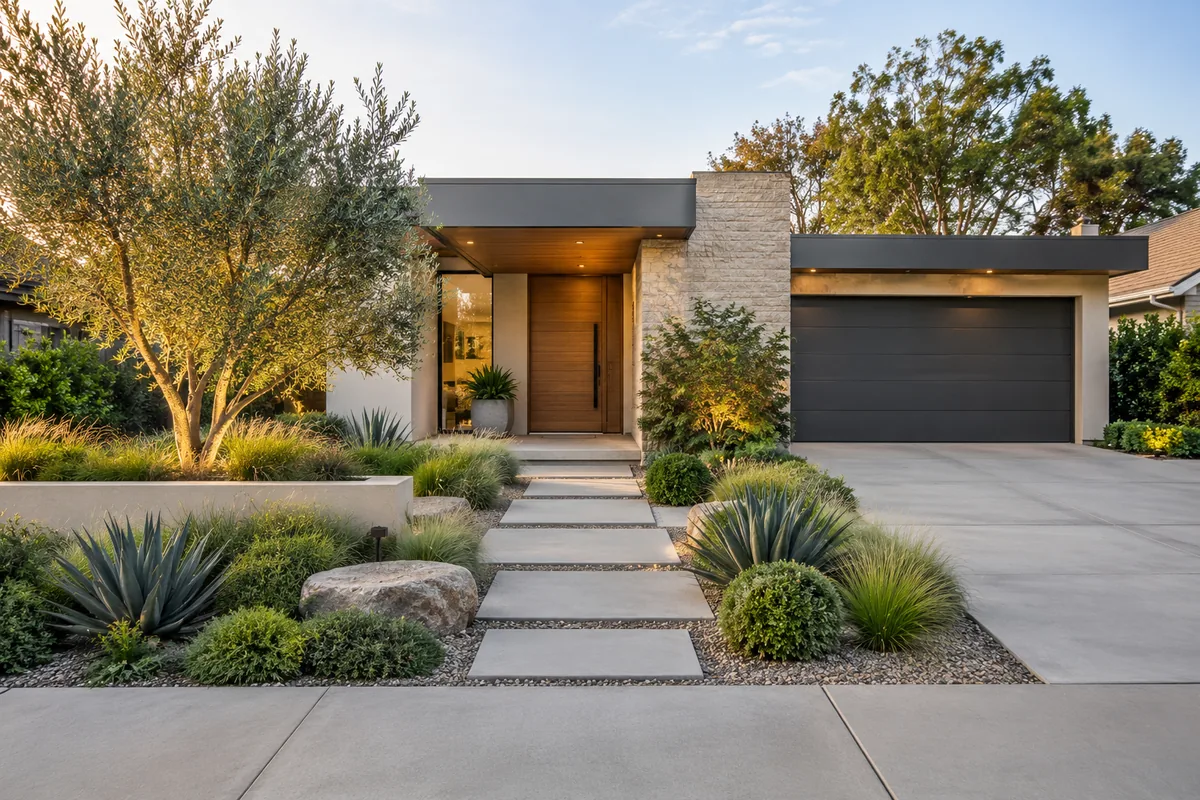
AILandscape accepts an outdoor photo and a selected style, then generates an image representing one possible visual direction.
The result is not CAD, a measured plan, a contractor document, or proof that depicted details are feasible. The current product does not provide verified site-specific planting guidance, regional suitability, material specifications, or project pricing.
When Visualization Is Useful
A generated concept can be useful when you are:
- comparing broad aesthetic directions before discussing a project
- exploring how a newly purchased home's outdoor space might feel
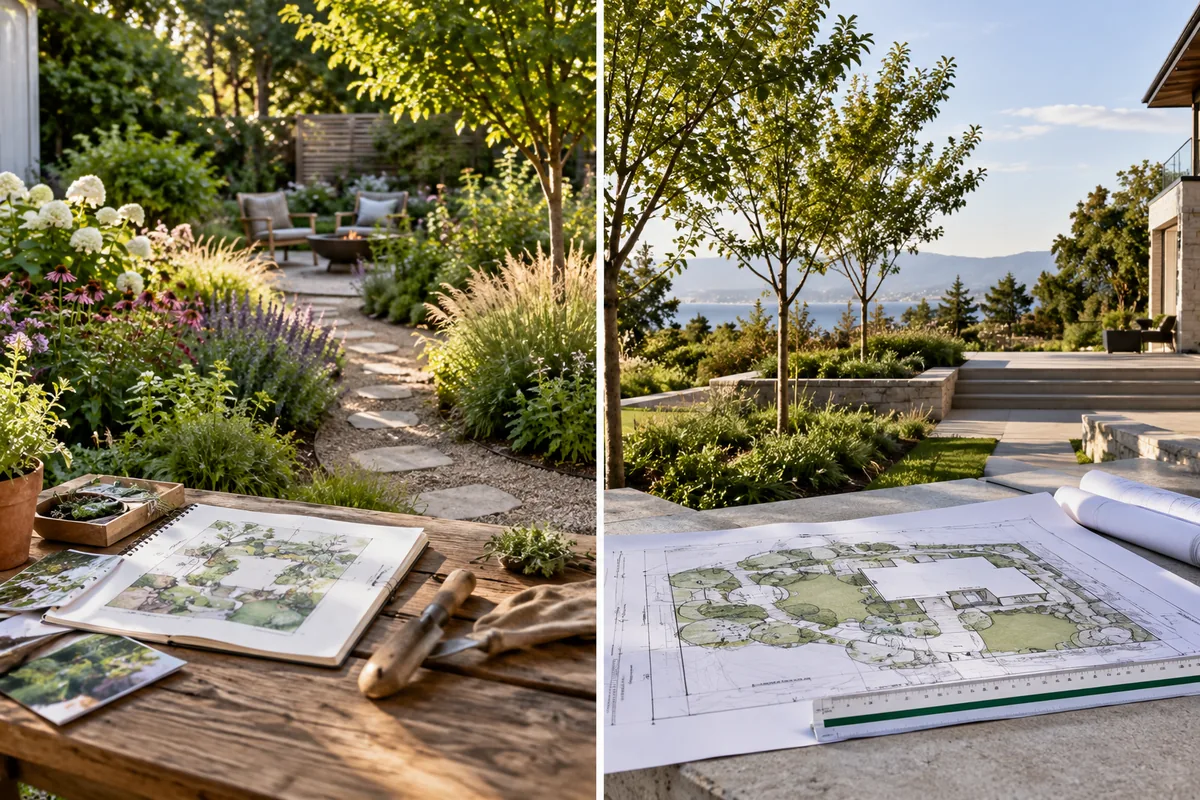
- preparing visual references for a conversation with a professional
- collecting early ideas without treating them as build instructions
Go directly to qualified local professionals for drainage, grading, retaining structures, tree safety, utilities, permits, measurements, species selection, or purchasing and construction decisions.
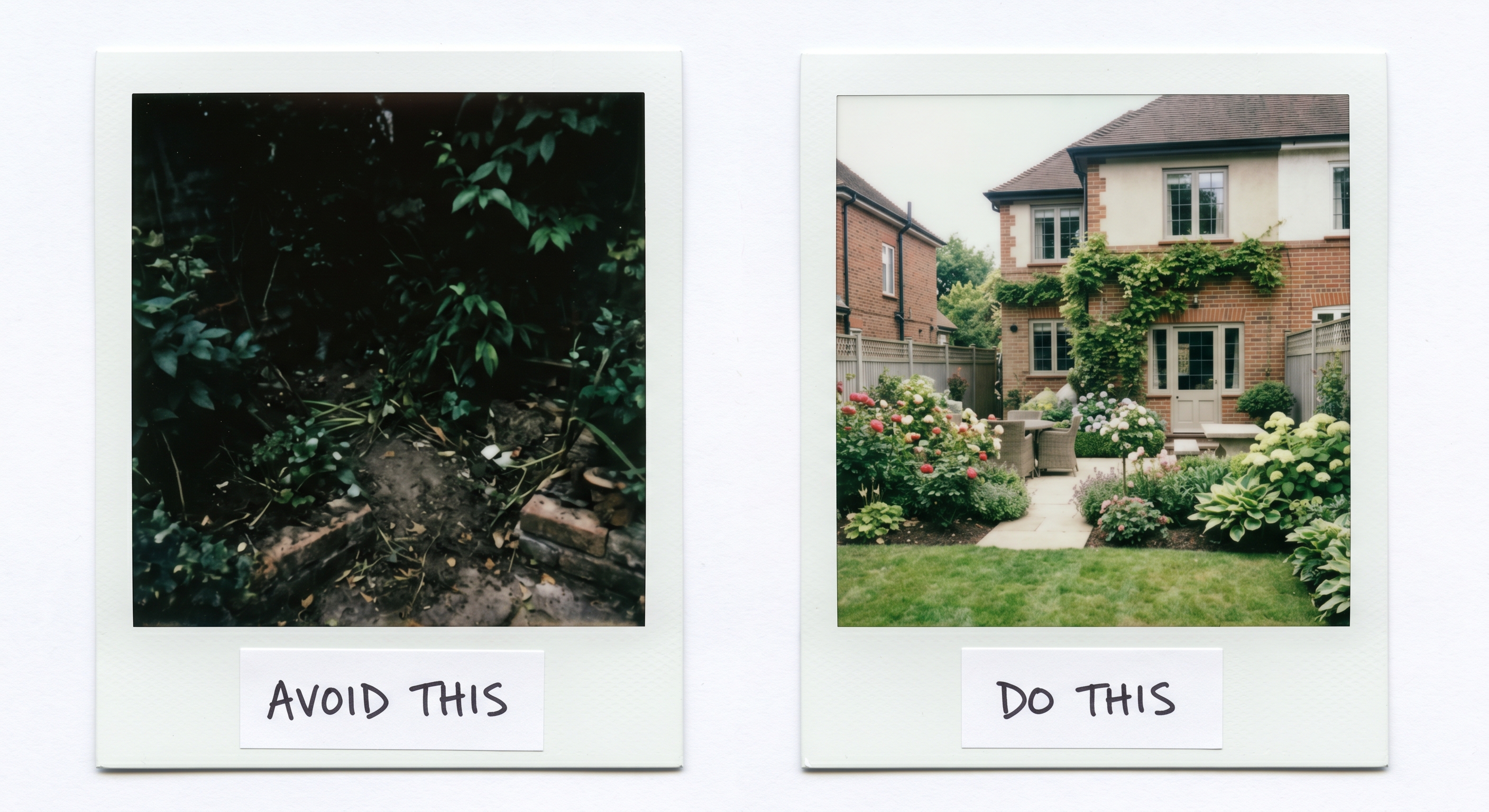
Step 1: Take a Clear Photo
- Stand far enough back to show the area you want to explore.
- Use even natural light where possible.
- Hold the camera level.
- Include useful visual context such as the house, fence, and existing trees.
- Avoid people, pets, vehicles, heavy shadows, and strong wide-angle distortion.
A clearer photo can improve visual coherence, but it does not make the generated image dimensionally or horticulturally accurate.
Step 2: Check the Current Generator Options
Choose among the styles currently available to your account. Style access, free availability, and usage allowances come from runtime product configuration and can change; the generator is the source of truth for what is currently available.
A style label describes an aesthetic, not a promise that any depicted species or construction detail suits your climate, site, or regulations.
Step 3: Generate a Concept
Upload the photo, choose the available area and style options, and start generation.
Processing time varies. The output is an AI-generated visualization inspired by the input, and it may alter existing objects or introduce details that are not present or feasible.
Step 4: Compare Results Carefully
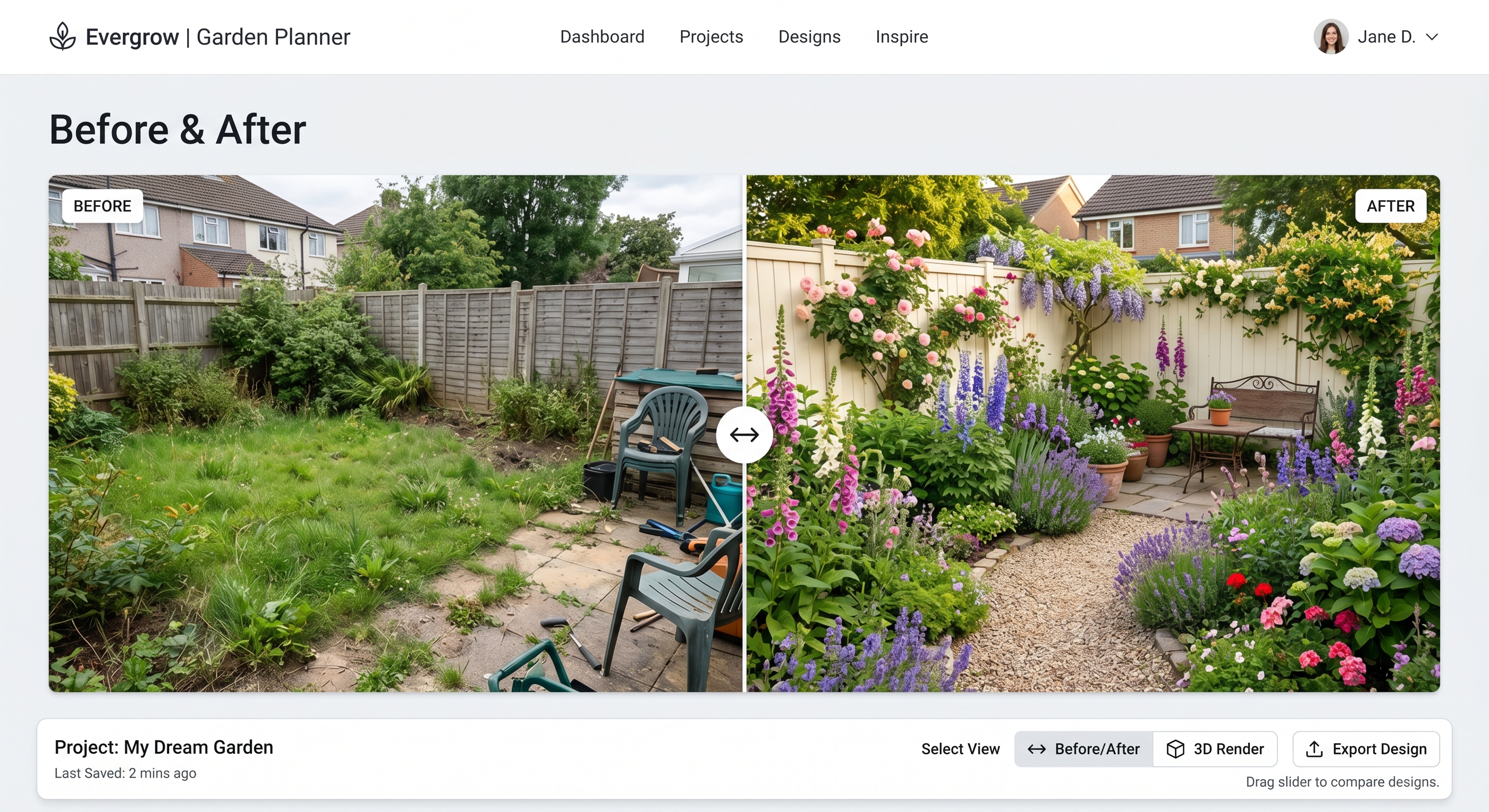
Generation is non-deterministic, so repeated attempts may produce different compositions. Compare broad visual ideas rather than assuming small details are reliable.
Ask questions such as:
- Which overall mood or level of planting do I prefer?
- Which areas should remain open?
- Which visual elements should I discuss with a professional?
- Does the image contain invented or impractical details that should be ignored?
Step 5: Verify Before Acting
Do not identify or buy depicted species based on the image. Do not derive measurements, quantities, structural decisions, water use, code compliance, or a project budget from it.
Before real-world work, use measured site information and consult appropriate local experts, such as a nursery professional, landscape designer, arborist, engineer, contractor, or permitting authority.
Limitations to Keep in Mind
- The tool does not measure the property.
- It does not inspect soil, drainage, grading, utilities, or structures.
- It does not verify depicted species or regional suitability.
- It does not produce construction or permit-ready documents.
- It does not provide verified project pricing.
- A generated result may omit, change, or invent visual details.
Frequently Asked Questions
Is AILandscape free? Free availability and allowances are controlled by the current runtime configuration. Check the generator for the allowance displayed for your account; no fixed number is promised here.
How accurate is the generated image? It is a visual concept, not an accuracy guarantee. Treat both the overall composition and small details as ideas requiring independent verification.
Can I start from one photo? Yes, the visualization workflow accepts a photo. A photo is enough to generate an image, but not enough to produce a measured or site-verified landscape plan.
How long does generation take? Timing varies with provider availability and runtime conditions. Do not rely on a fixed completion time.
Try It Yourself
Take a clear photo, open the AI landscape generator, and use the result as visual inspiration. Verify every purchasing, planting, pricing, safety, compliance, and construction decision separately.